Reference Tracker
Mac
 iPad
iPad
Reference Tracker is an indispensable tool for writers, researchers or students. Reference Tracker helps you keep track of publications you cite or make reference to in a writing or research project, and creates formatted reference lists and bibliographies.
Reference Tracker 3 is the latest version and brings a load of new features and improvements. For all the latest updates and details see the release notes.
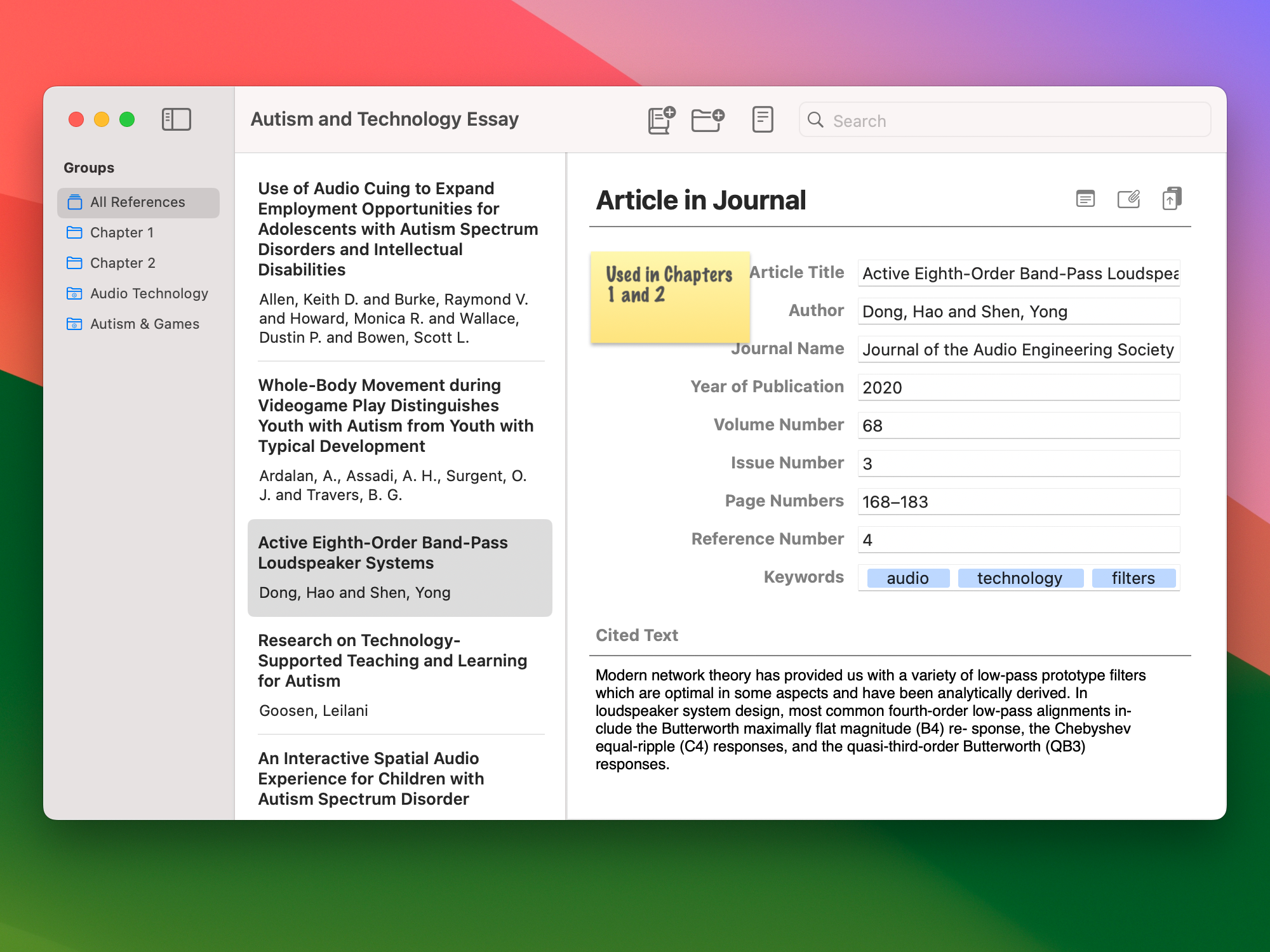
Reference Tracker documents store all the publications that you cite or make reference to in a writing project.
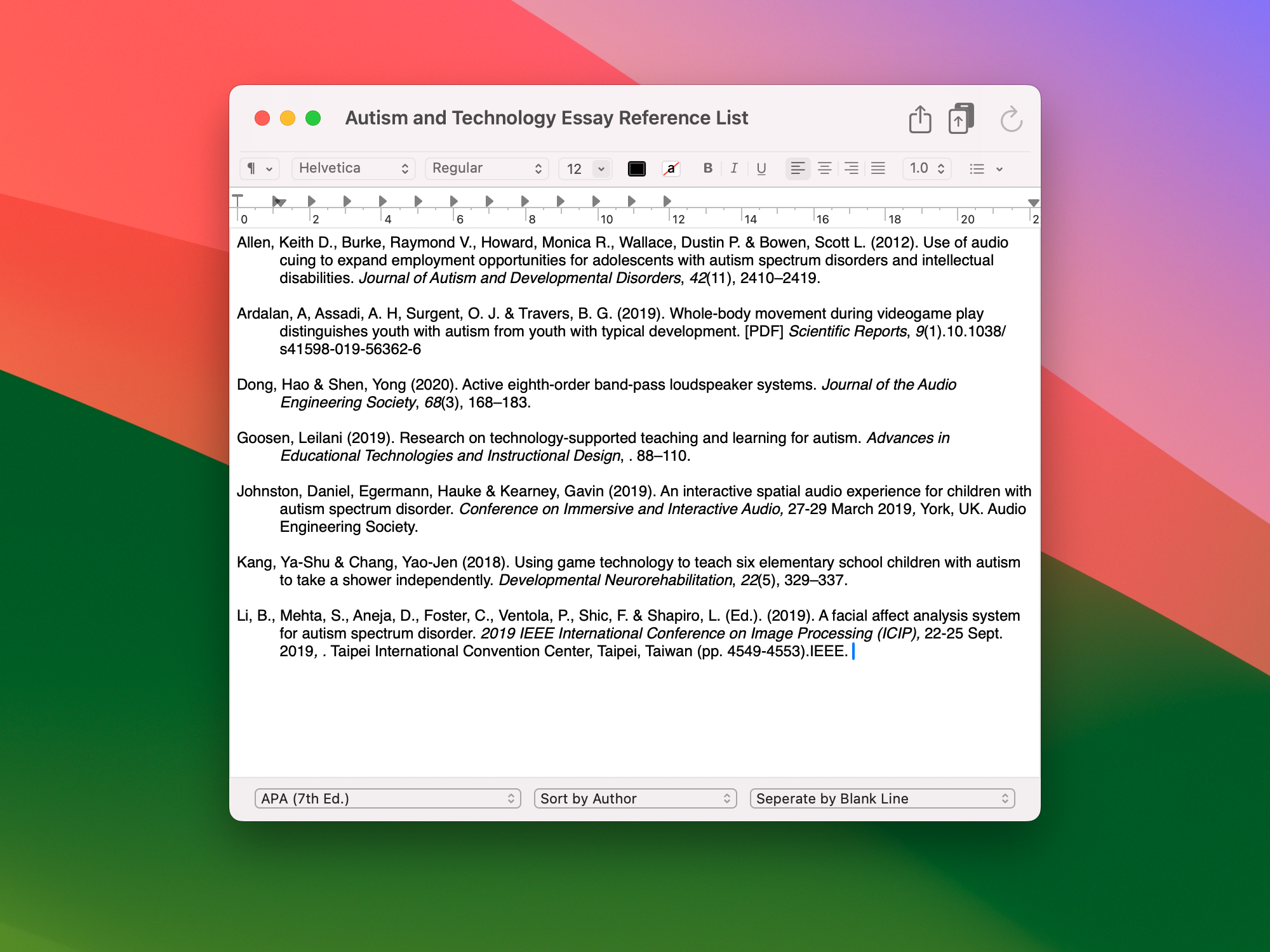
Generate a formatted reference list with a single click. Reference Tracker has the latest versions of the most popular styles, including Harvard, APA, Chicago, MLA and Vancouver. Formatted lists are fully editable in Reference Tracker's rich text editor and you can export your lists to Microsoft Word, Rich Text, Plain Text, HTML, BibTex and RIS formats.
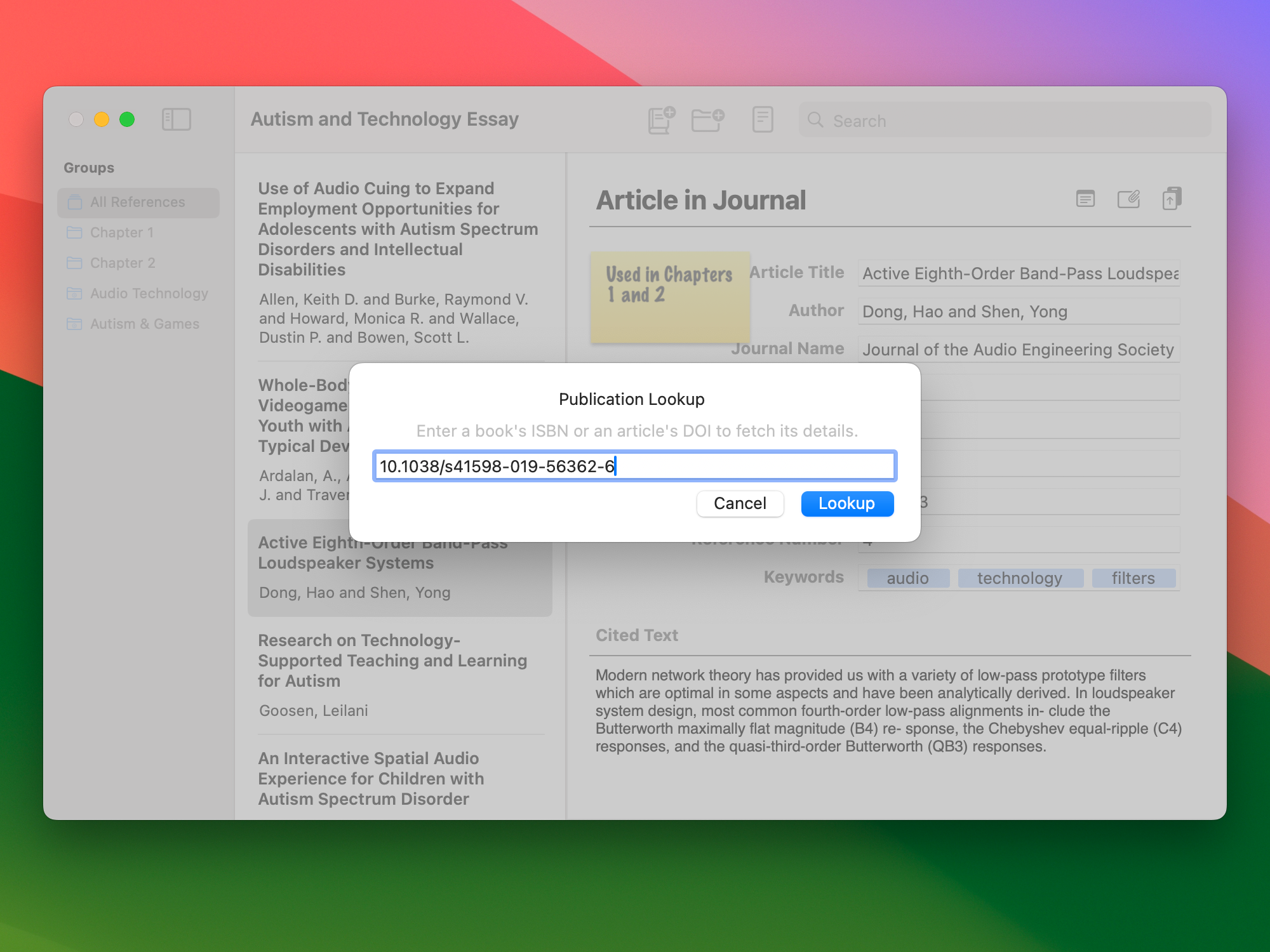
Create full references in a single step with Reference Tracker's Publication Lookup. All you need is an ISBN or DOI to create a full publication reference in your documents. If you don't have the ISBN or DOI to hand, Reference Tracker's Publication Search will find books and articles by title, author and other key terms.
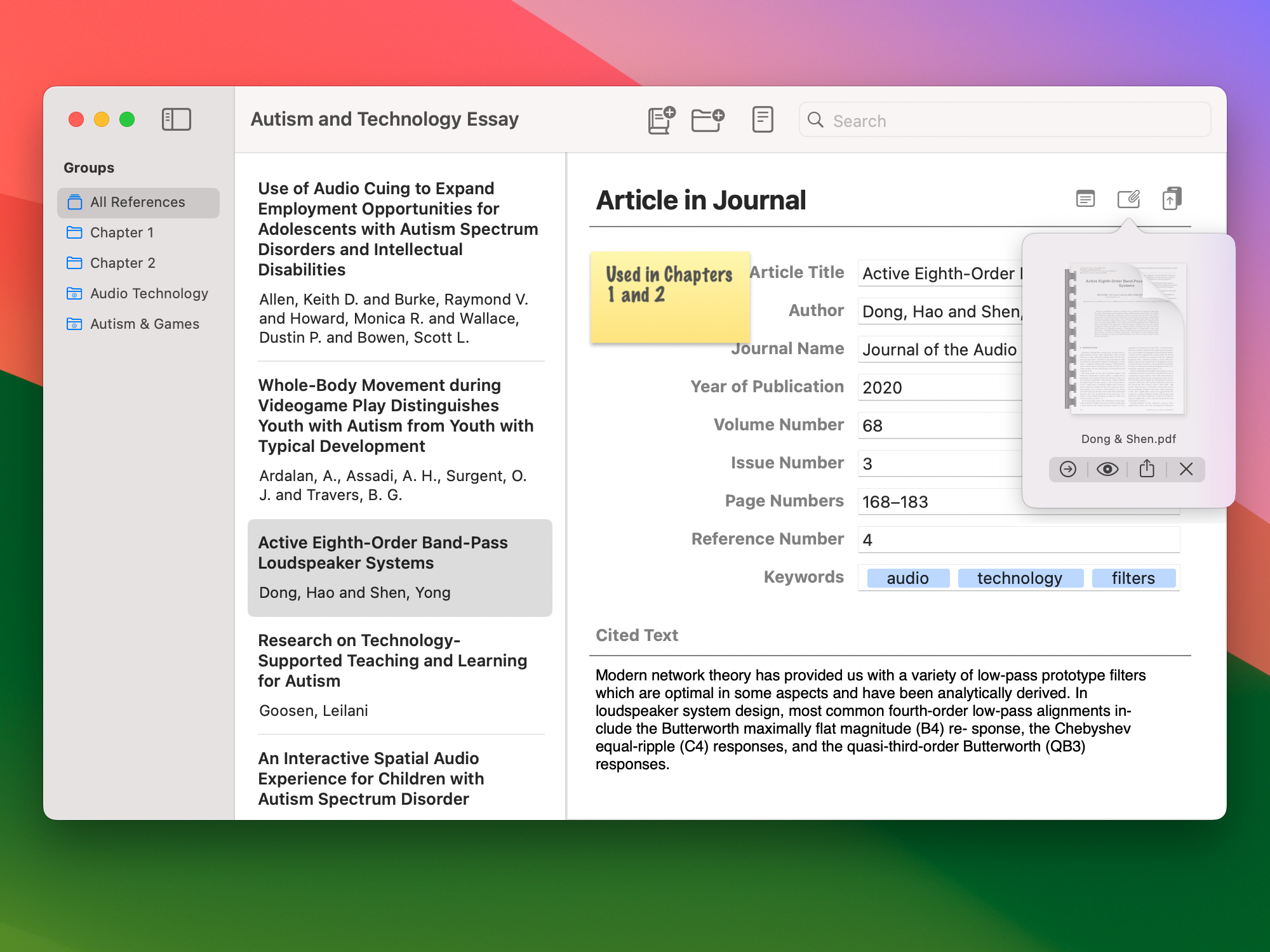
Every reference can have a file attached, so you can easily organise your reference material and always have the full article on hand when you need it.
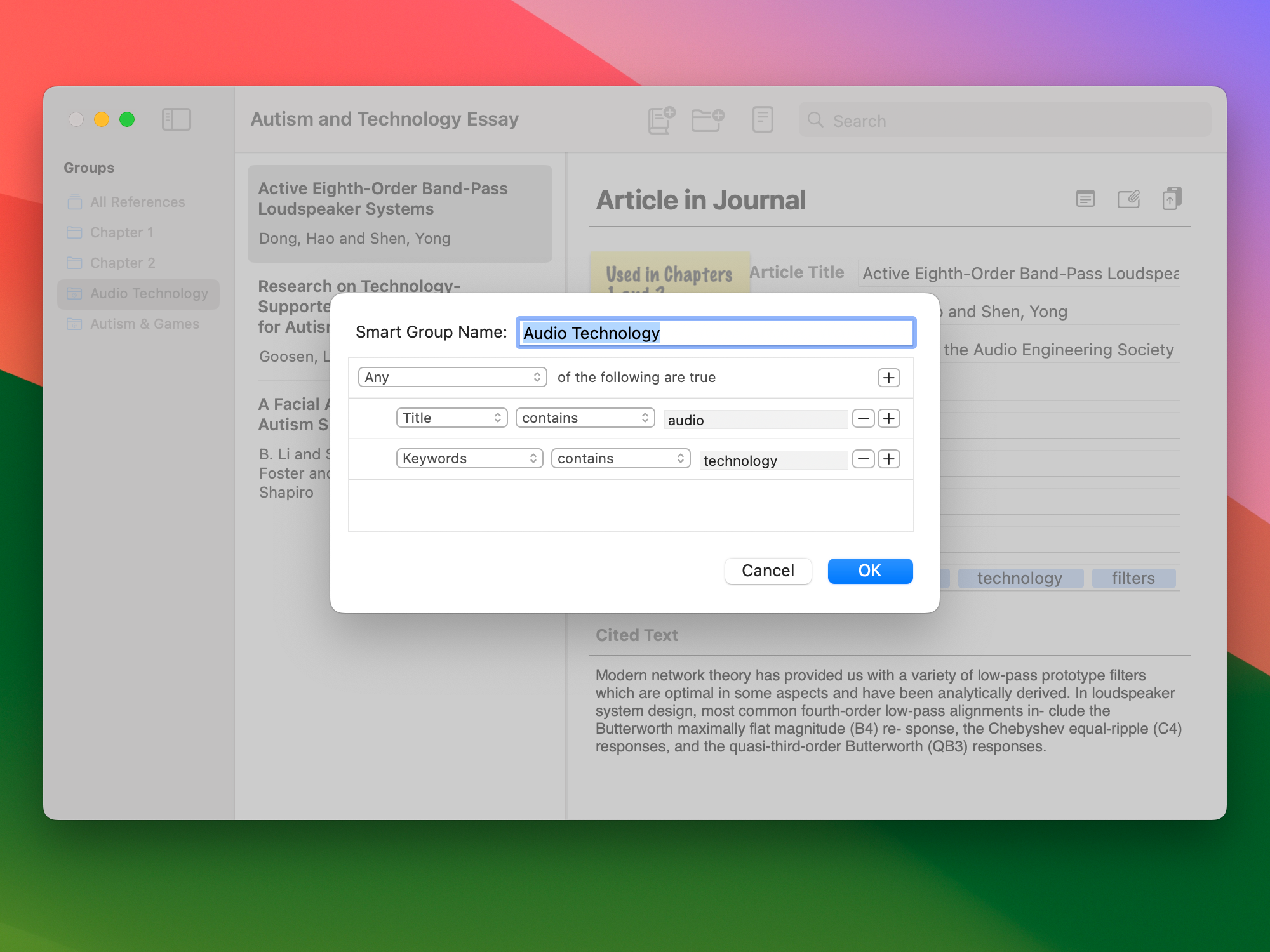
Reference Tracker gives you the ability to organize your references into groups. You can create manual groups, where you add references manually, or smart groups that are automatically filled using criteria that you specify. You can also add keywords, or tags, to references, which is a useful way to add additional information that you can use in combination with Smart Groups to organize your documents.
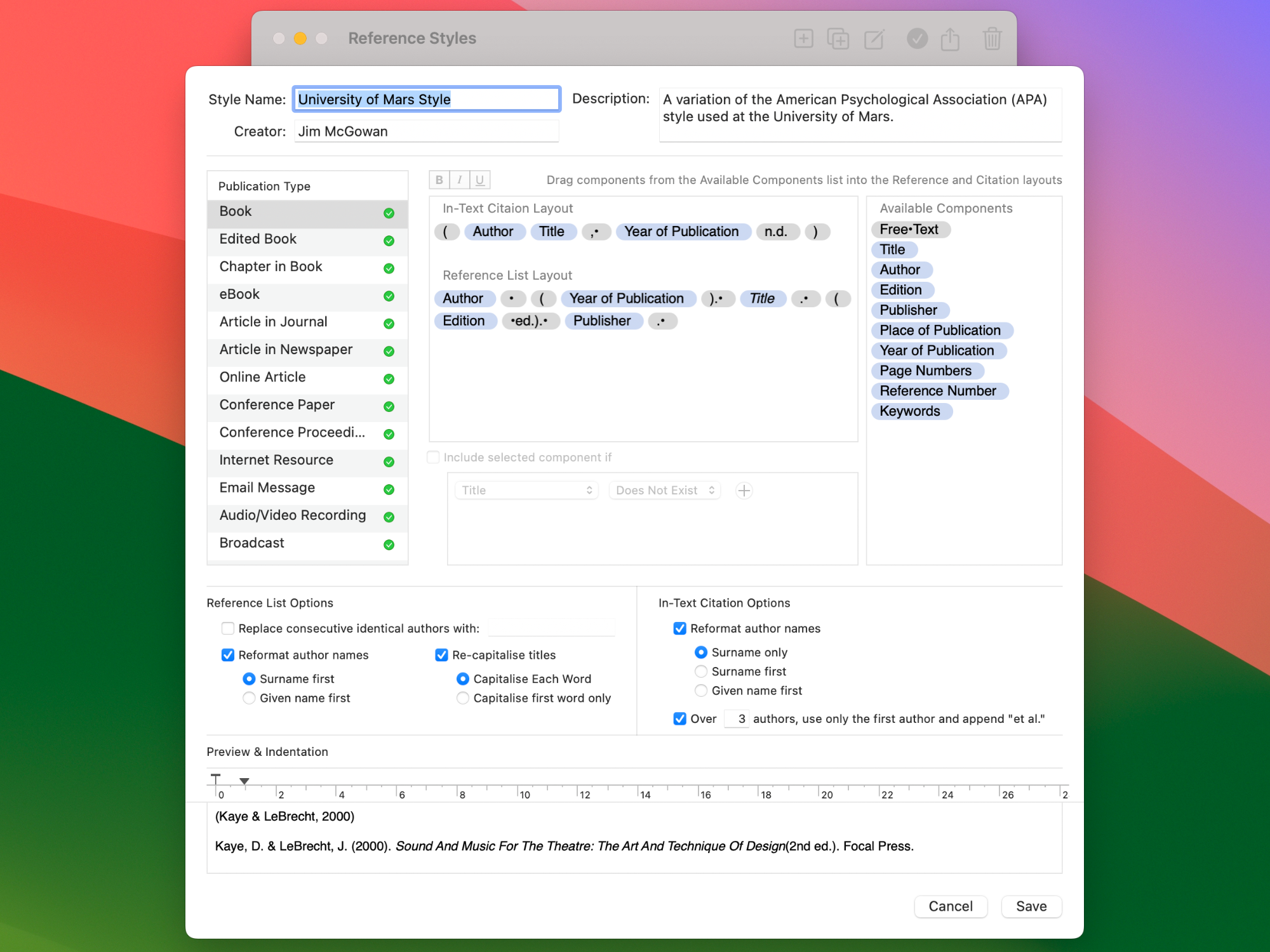
Reference Tracker has a really easy to use styles editor so you can create your own custom styles, or modify any existing styles. You can share your styles with one click, meaning you can also download and use styles shared by other users.